


Portable DVD/Blu-ray Drive for Laptops | Read & Burn
- Free Shipping On Orders $59+
- 60-Day Returns on Unused Items
- Buy 2 Items, Get Free Shipping
Orders of $59 or more qualify for free standard shipping. Delivery availability and timing are shown at checkout, and tracking information is sent after dispatch.
Need help with a Velloraco order? Email support@velloraco.com for product, delivery, or order questions. Our team will help you find the right next step.
A Portable Disc Drive For The DVDs, Blu-Ray Discs, And Files You Still Need
 Reviewed by the Velloraco team
Your laptop may be thinner, but your important discs still matter. Old photos, movies, software, music, and archived files are still stored on physical media. This portable DVD & Blu-Ray drive helps you access them again.

Keep it in your drawer, laptop bag, or office shelf. When a disc appears, simply connect it and get access without keeping an old computer around.
Read compatible DVD and Blu-Ray media, manage older files, and bridge the gap between modern laptops and the discs you still own.

Works With Computers Without Disc Drives
Many modern laptops removed built-in disc trays. This external drive gives you an easy way to access your movies, backups, software, and files.
Compact Storage-Friendly Design
Small enough for a drawer, desk, laptop sleeve, or travel bag. Keep it nearby without taking up workspace.
Know Your Disc Requirements
Playback and burning depend on your computer, software, disc type, and power supply. Blu-Ray playback usually requires compatible software.

When It Helps Most
Restore old family videos, open archived photos, install older software, read work files, or create physical backups. One drive can serve the whole household.
Perfect for home, office, school, or travel when you suddenly need access to a disc.

Why Physical Media Still Matters
Cloud storage is convenient, but many valuable files still exist on discs. A portable drive lets you open and preserve those memories, backups, and archives.
It creates a simple bridge between older media and today’s computers.

What To Check Before Use
| Question | Why It Matters |
|---|---|
| Is the disc supported? | Formats work differently |
| Do you have playback software? | Blu-Ray often needs it |
| Is the drive stable? | Movement affects reading |
| Enough power available? | Supports smoother use |

How To Use It Well
Place it on a stable surface, connect directly when possible, and use the correct software for your disc type.
Keep discs clean, avoid moving the drive during use, and store everything together after finishing.
Keep A Disc Drive Ready
FAQ
Will it play Blu-ray movies automatically?
Can it burn discs?
Is it for 4K Ultra HD Blu-ray?
Where should I keep it?
A Practical Bridge Back To Physical Media
The Portable External DVD and Blu-Ray Drive helps you access older discs, manage archived files, and keep physical media available without taking up desk space.
Bring Home The Portable Disc DriveCompatibility depends on disc type, computer hardware, software, and power conditions. Check your setup before use.
Customers said this portable drive is plug-and-play with excellent compatibility across Windows and Mac. "Reads and writes flawlessly" with fast speeds and quiet operation. The dual USB-A/USB-C cable design is highly praised. Some noted the cable could be longer and initial spin-up can be louder, but overall "worth every penny."
- Plugged it in via USB-C and it worked right away! Highly recommend.
- Plugged the USB-C cable into my MacBook Pro, and both recognized it immediately.
- Handles dual-layer DVDs and Blu-rays with impressive read speeds. Build quality is solid.
Plug and play. Recognized immediately on my Windows 11 laptop.
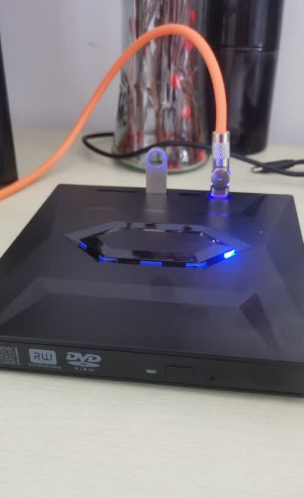
Thanks for taking the time to leave a review! Enjoy your movie nights and backups!
Super slim and easy to carry in my laptop bag. Worth every penny.

Burnt a few audio CDs without any coasters. Great external drive.
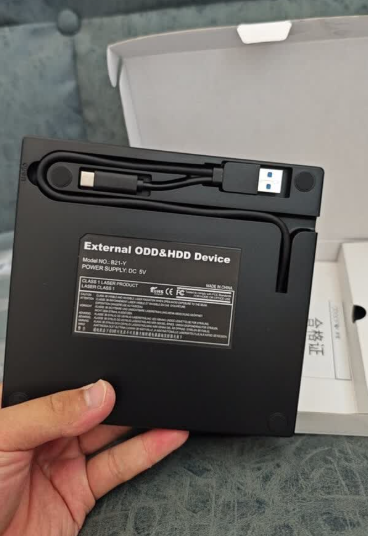
Plays Blu-ray discs smoothly with the right player software.
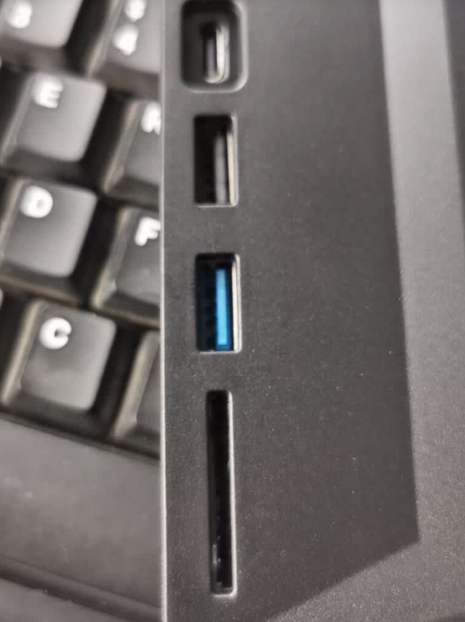
Reads and writes flawlessly. Very happy with this purchase.
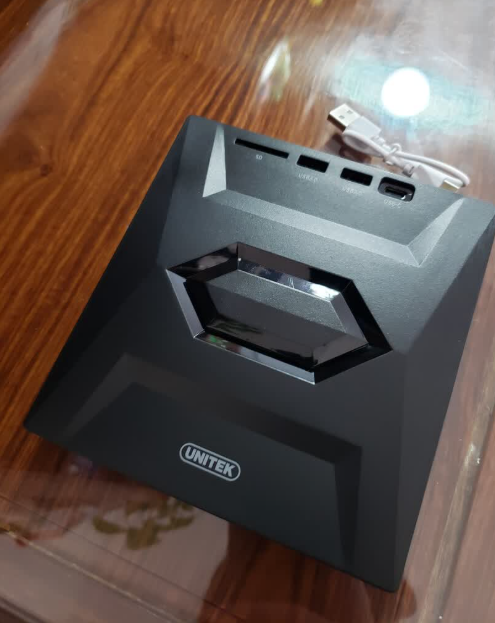
The drive performs very well and reads discs quickly. My only minor complaint is that the integrated cable could be a couple inches longer, but it's not a dealbreaker.
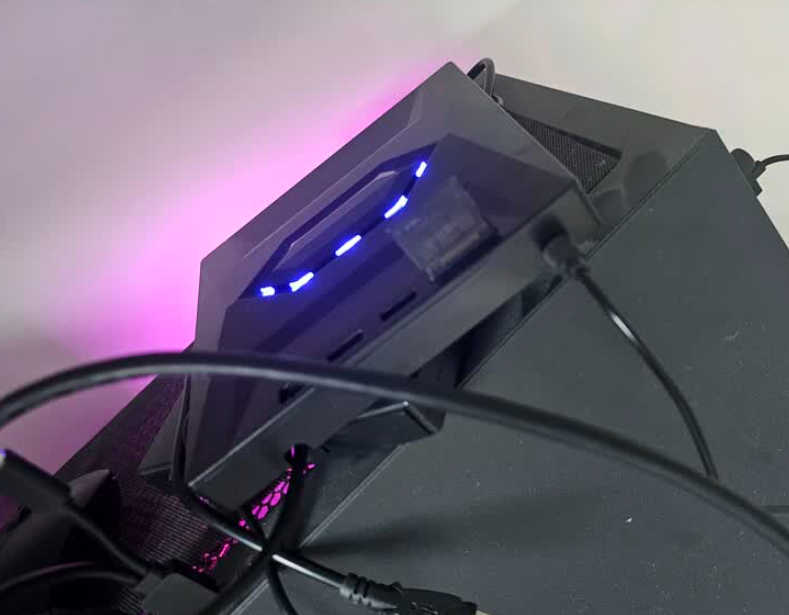
Does everything it promises. Fast delivery too.
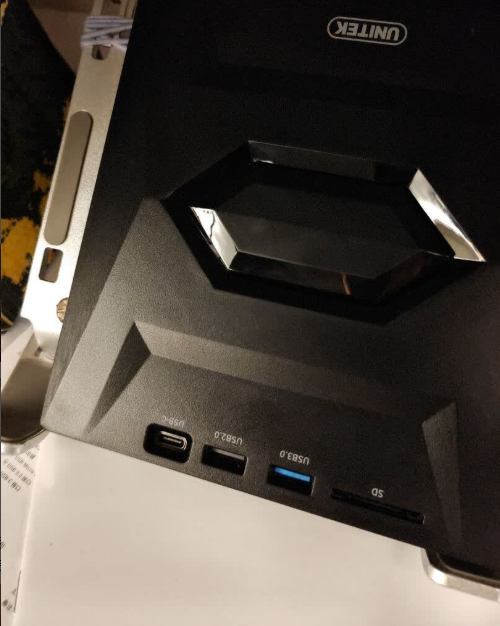
Works perfect for watching old DVD movies on my new MacBook.
Just plugged it in USB-C and it worked instantly.
Solid build, quiet operation. Highly recommended!
We really appreciate your support! Please reach out to our customer care team if you ever need anything else.
Since new laptops don't have disc drives, this is a lifesaver.
Looks modern and matches my laptop aesthetic nicely.
No stuttering or noise while playing HD movies.
Saved all my old family photos off old backup DVDs effortlessly.
Feels durable and the dual USB/Type-C cable is super convenient.
Surprised by how quiet it runs during movie playback.
Simple, effective, and fast shipping.
Didn't need to install any driver on Mac. Just plugged in.
Burned a full 25GB Blu-ray disc in no time.
Essential accessory if you still have a physical media collection.
Read some scratched discs that my old desktop drive couldn't!
We really appreciate your support! Please reach out to our customer care team if you ever need anything else.
My new laptop didn't come with a disc drive so I bought this. Plugged it in via USB-C and it worked right away! Highly recommend.
Works great on both my M1 Mac and my Windows PC. The dual connector cable attached is super convenient so I don't lose adapters.
I bought this to back up home videos onto archival DVDs. It burns fast and runs much quieter than expected. Very satisfied.
Remember you need software like VLC or Leawo for Blu-ray playback, but hardware-wise this drive is 10/10 fast and responsive.
Extremely portable! Fits right into my backpack sleeve. Have used it on flights to watch movies on my laptop.
Love that it has both USB 3.0 and USB-C built into the same cable. No need to carry extra dongles around.
Had some 15 year old data CDs with light scratches. This drive read every single one without throwing errors.
Watched several 1080p Blu-ray movies. Crisp image, zero lag, and zero noise once the disc spins up.
Transferred over 100GB of raw photo files to M-DISC for permanent offline backup. Perfect performance.